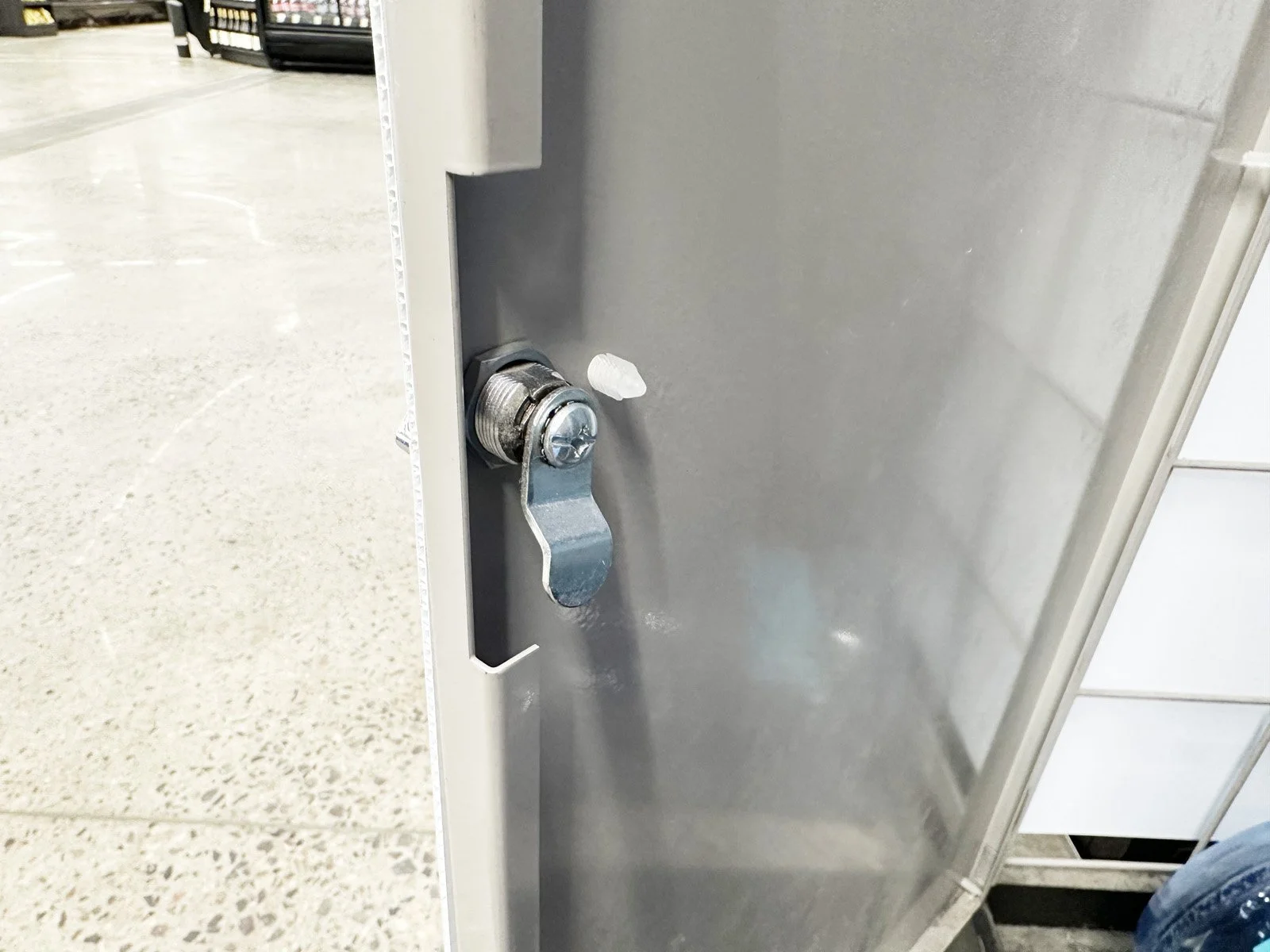
Install a Combo Unit Door Latch
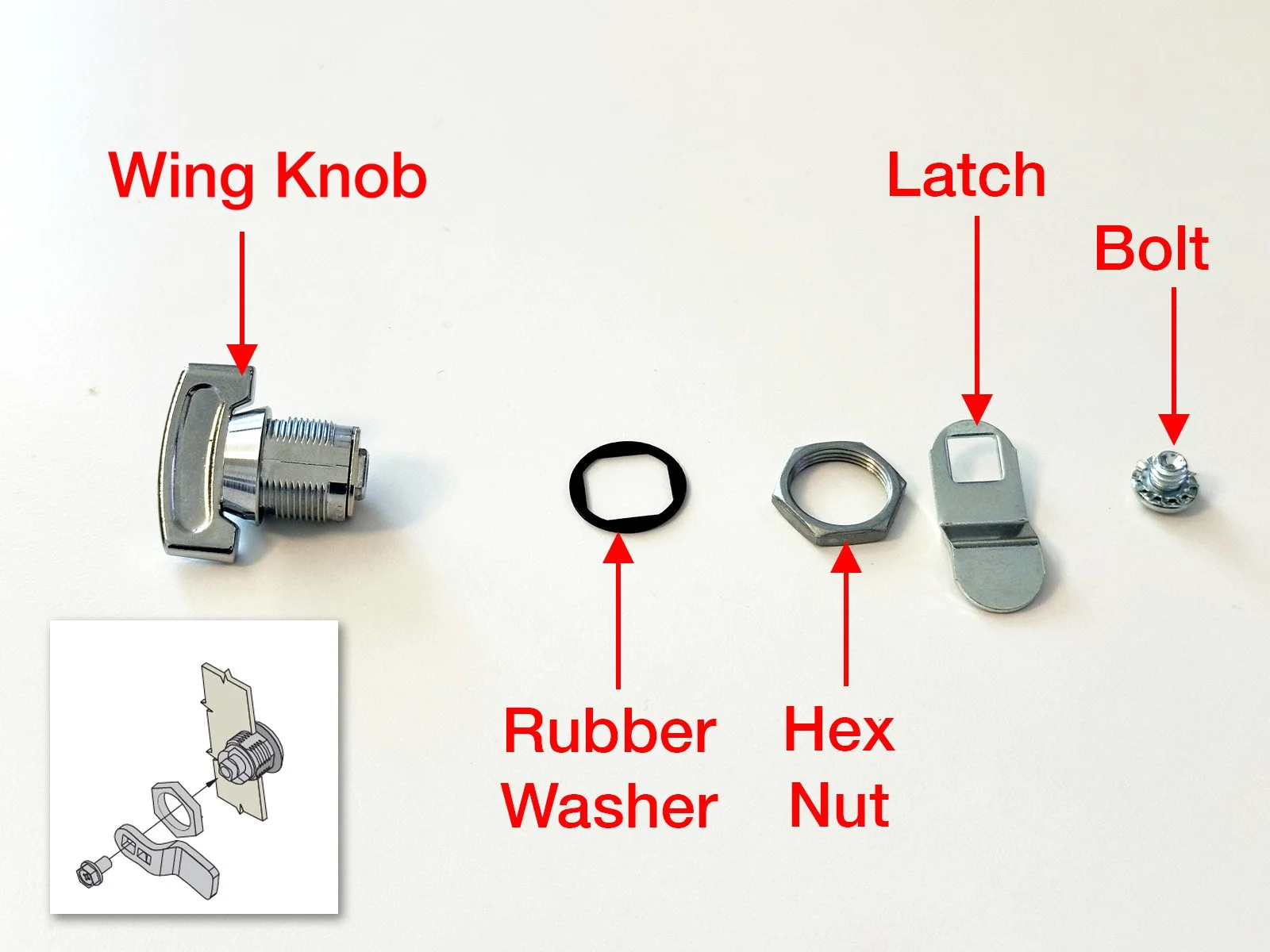
Provided: Combo Unit Door Latch Kit
Tools Required: Adjustable Pliers, Philips Screwdriver.
1: Open the FastField mobile app (Apple or Android) and find the form specific to your store. Your username and password can be found in Field Nation under the Buyer’s Custom Fields. You will use the mobile app to take before, during and after photos while completing the scope of work.
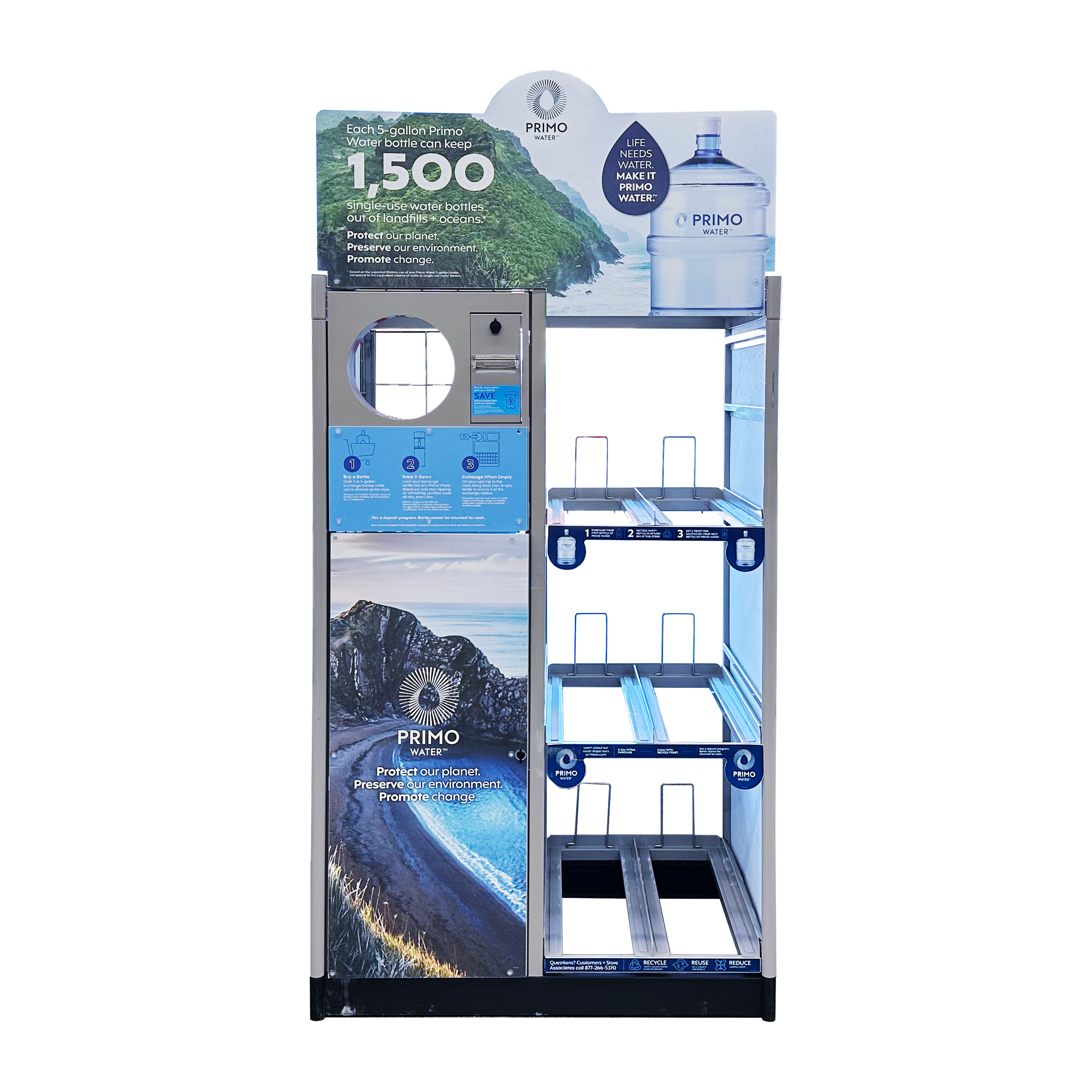
2: Find the Primo Brand Combo Unit (typically along the interior front wall) and take a BEFORE photo 📷 in the mobile app of the unit prior to starting any work.
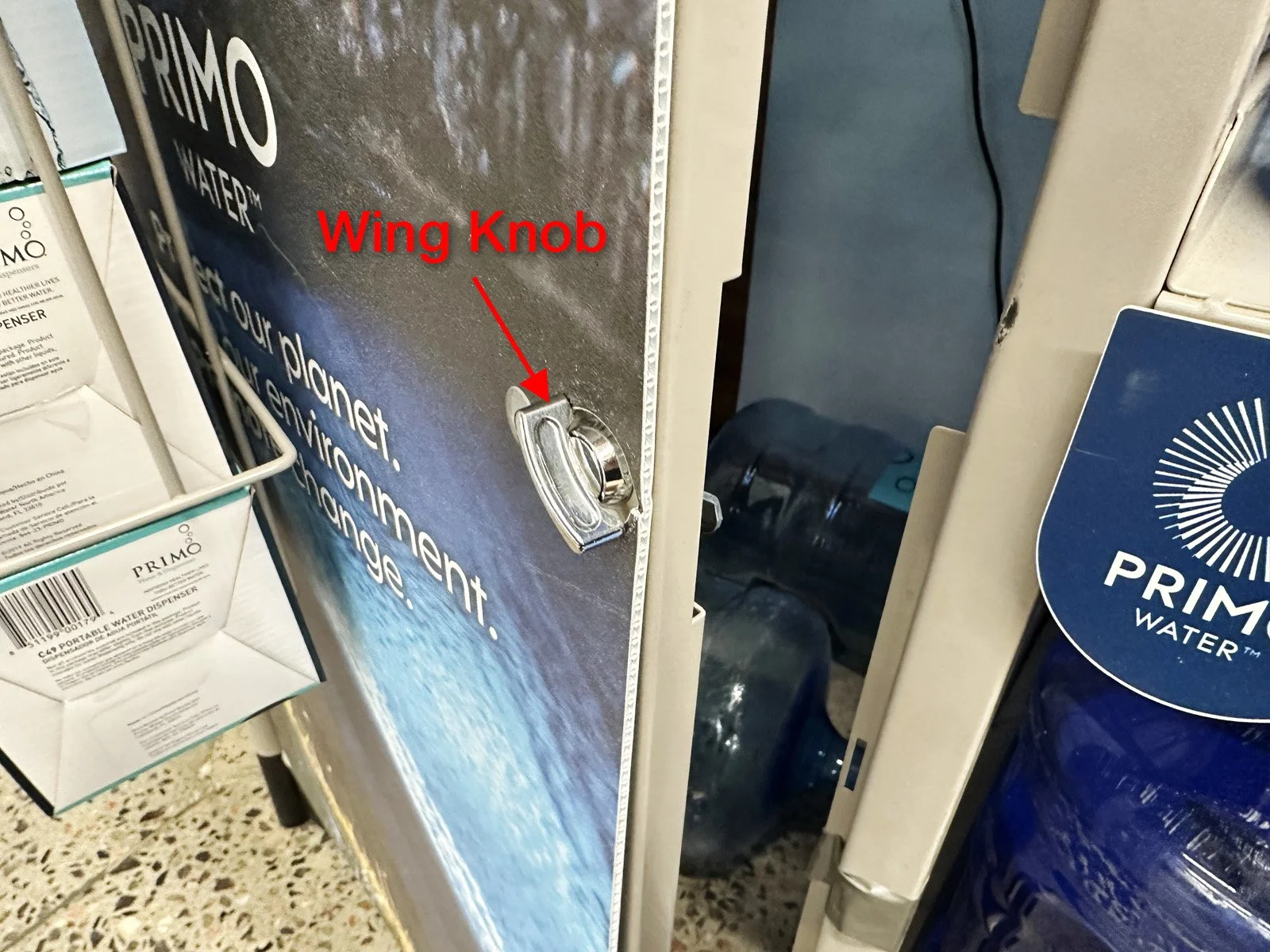
3: On the Combo Unit door, insert the wing knob through the hole from the outside (see photos below for diagram).
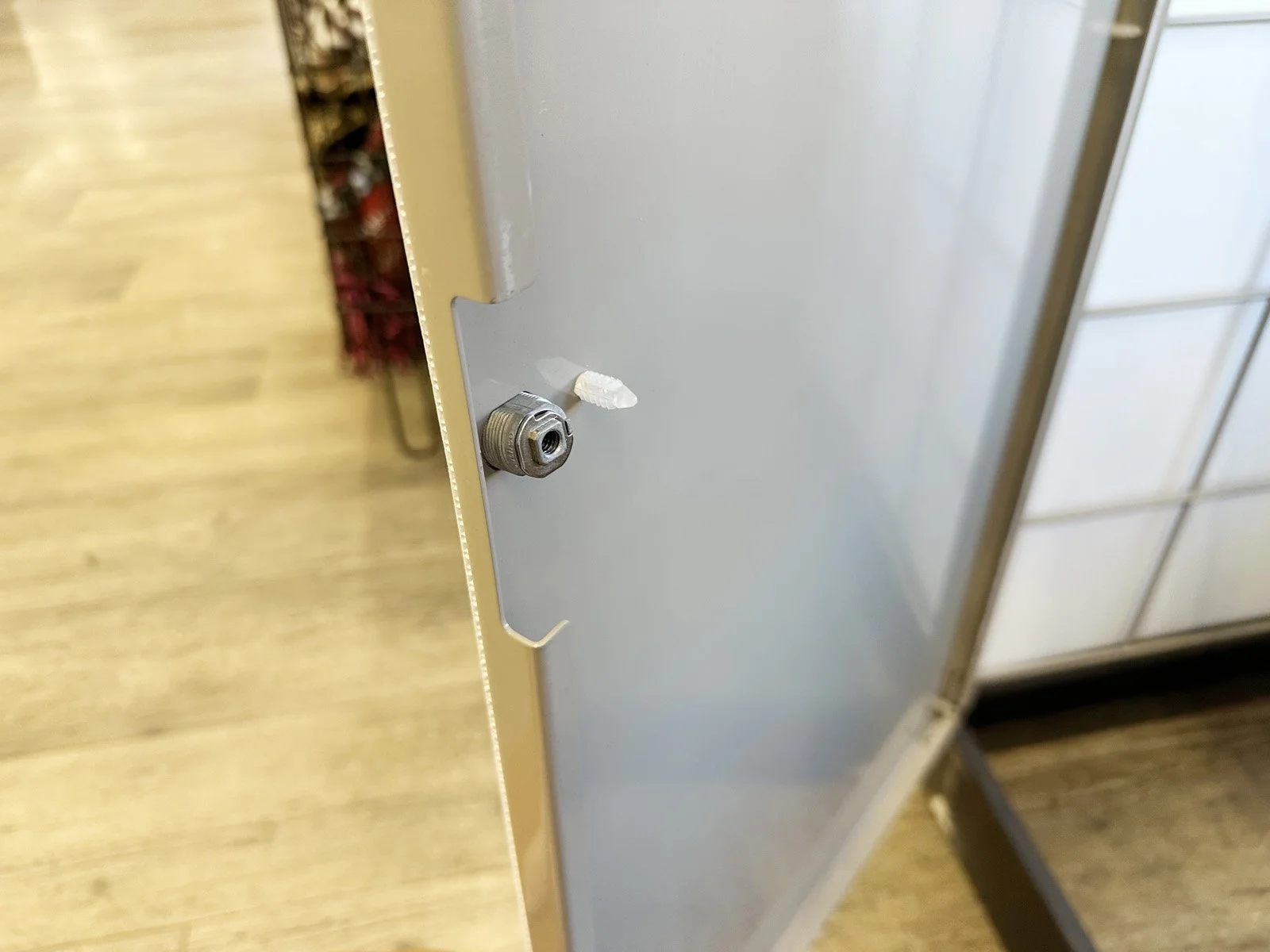
➡ If the Combo Unit has an existing door latch that is broken, remove it first and only install all new parts that were sent to you.
4: On the backside of the knob, first slide on the rubber washer, then screw on the hex nut. Tighten the hex nut using your pliers.
5: Place the latch onto the end of the square mount, then insert the bolt and tighten with Phillips screwdriver. Make sure the latch is aligned with the wing knob.
6: Take a DURING photo 📷 showing a close up of the new door latch installed.
7: Check the latch to make sure it works, then close the door and latch it shut. Clean up the area by discarding any old parts in the trash.
8: Take an AFTER photo 📷 while standing 15’ back to show the overall Combo Unit, then finish the form in FastField.