Install an RC Padlock
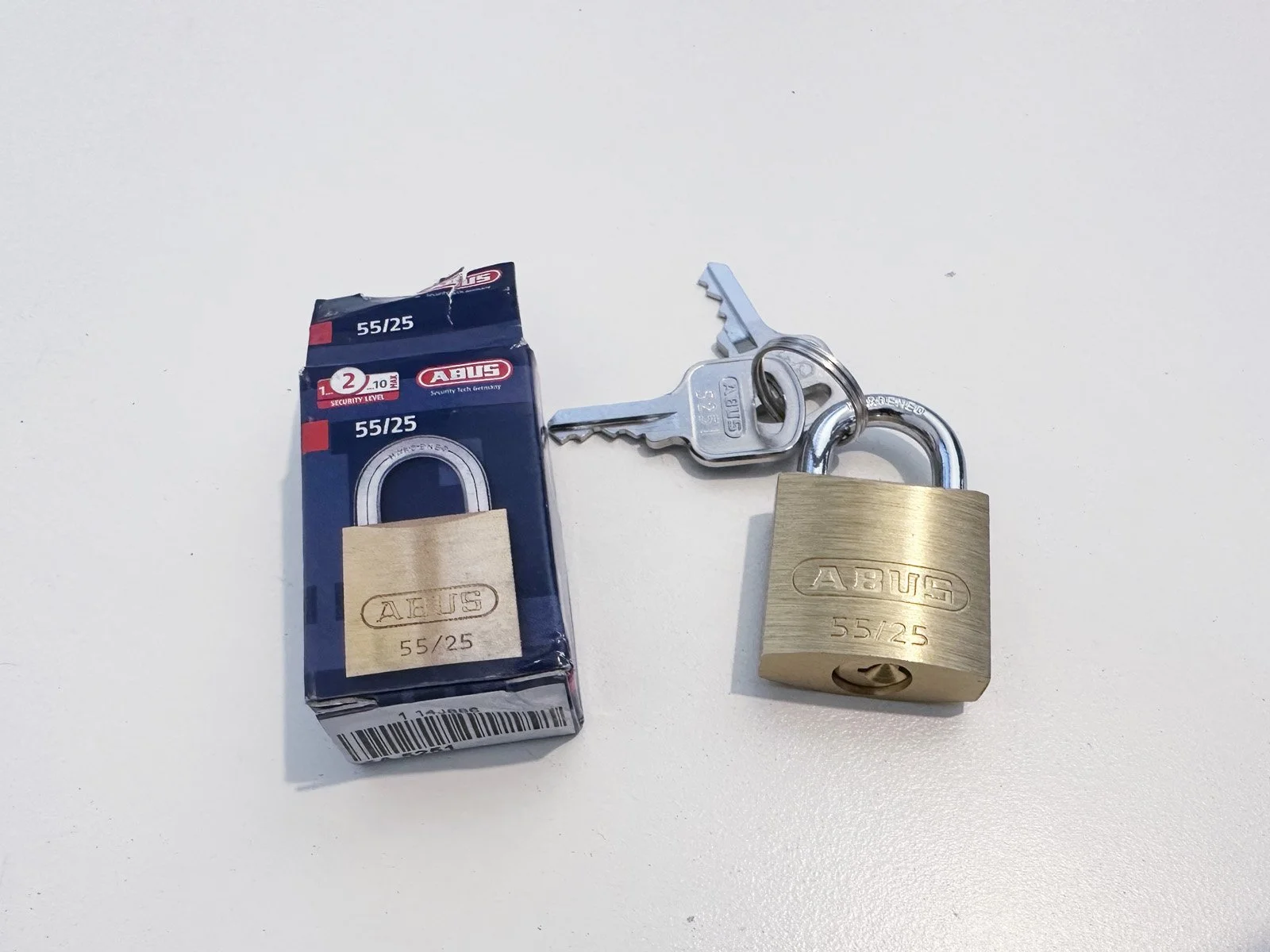
Provided: RC Padlock
Tools Required: None
1: Open the FastField mobile app (Apple or Android) and find the form specific to your store. Your username and password can be found in Field Nation under the Buyer’s Custom Fields. You will use the mobile app to take before, during and after photos while completing the scope of work.
2: Find the Primo Brand Return Center (outside or along the interior front wall) and take a BEFORE photo 📷 in the mobile app of the Return Center prior to starting any work.
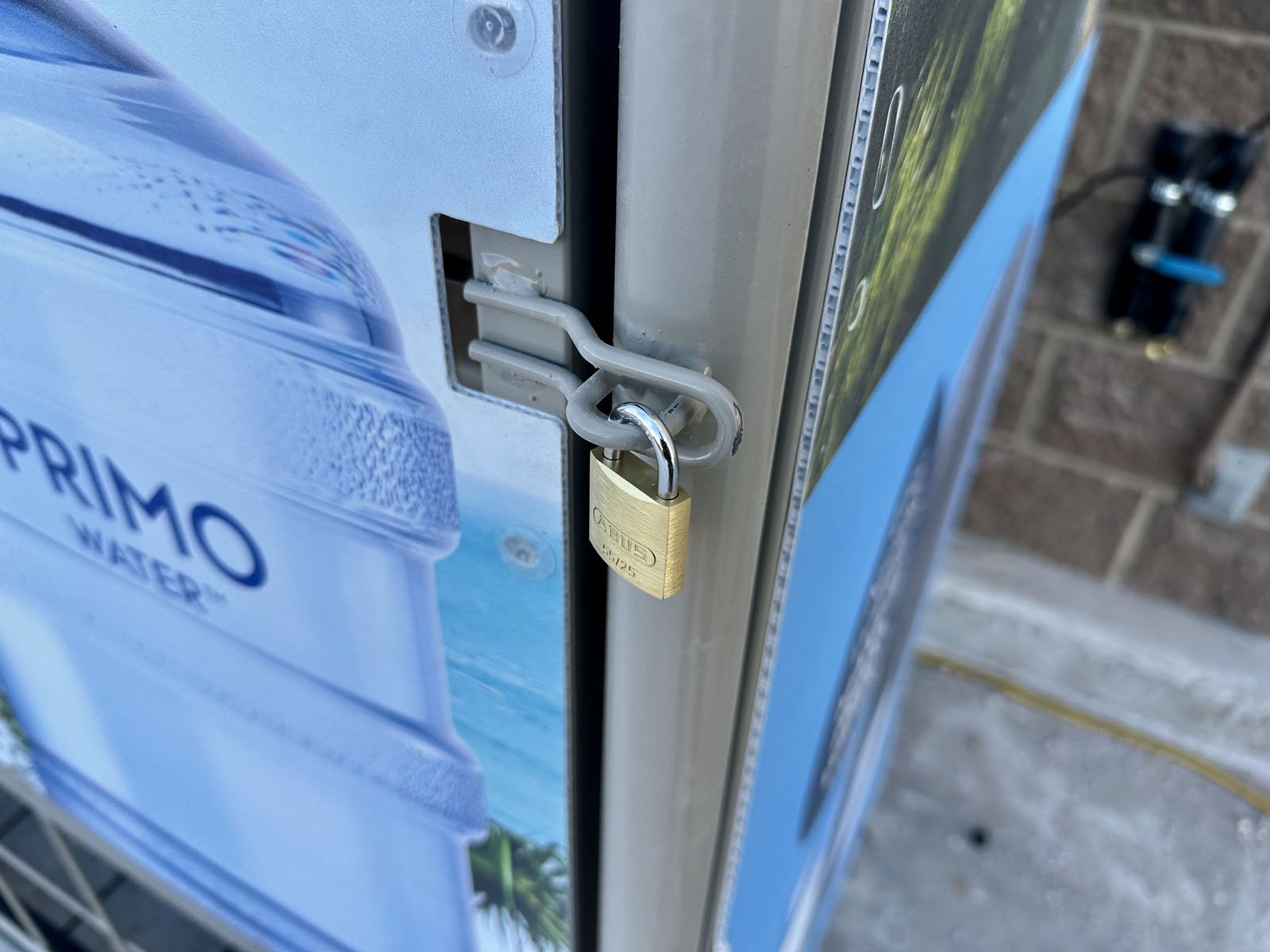
3: Open the padlock box and install the new padlock on the Return Center door, then take a DURING photo 📷 showing a close up of the new padlock installed.
4: There’s also a key inside the padlock box. Give the key to the Customer Service desk or a manager and let them know they are to keep the key for PrimoWater reps.
5: Take an AFTER photo 📷 while standing 15’ back to show the overall Return Center, then finish the form in FastField.