Replace 18-Count Shelf Strips
Provided in Shipment: 18-Count Shelf Strip Set
Tools Required: Pliers (optional)
1: Open the FastField mobile app (Apple or Android) and find the form specific to your store. Your username and password can be found in Field Nation under the Buyer’s Custom Fields. You will use the mobile app to take before, during and after photos while completing the scope of work.
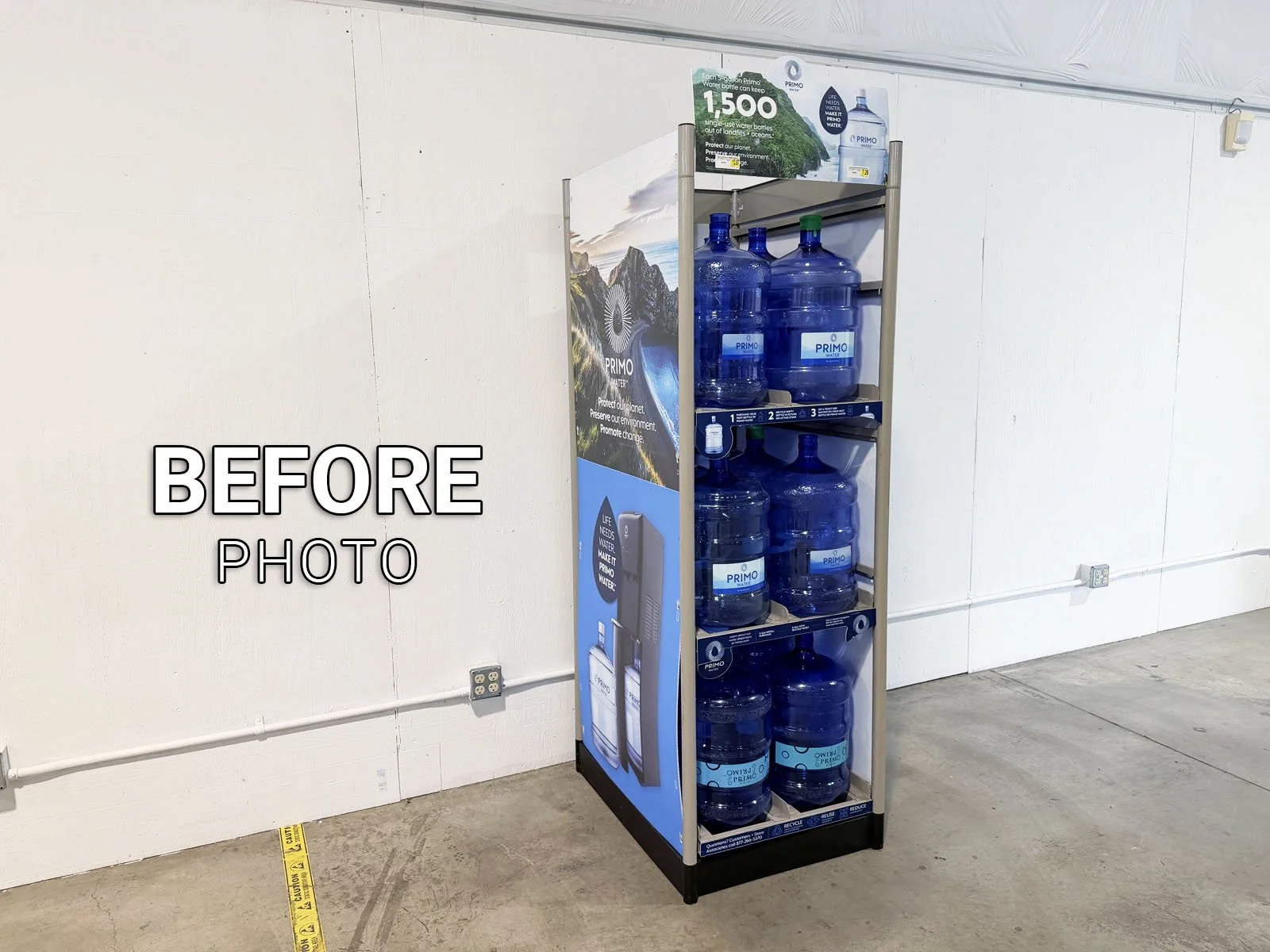
2: Find the Primo Brand 18-Count Display (typically along the interior front wall) and take a BEFORE photo 📷 in the mobile app of the display prior to starting any work.
➡ There are many different brands of signage by Primo Brands (ie. Primo Water, Poland Spring, Deer Park, Arrowhead, etc). All instructions are exactly the same regardless of brand type that was sent to you.
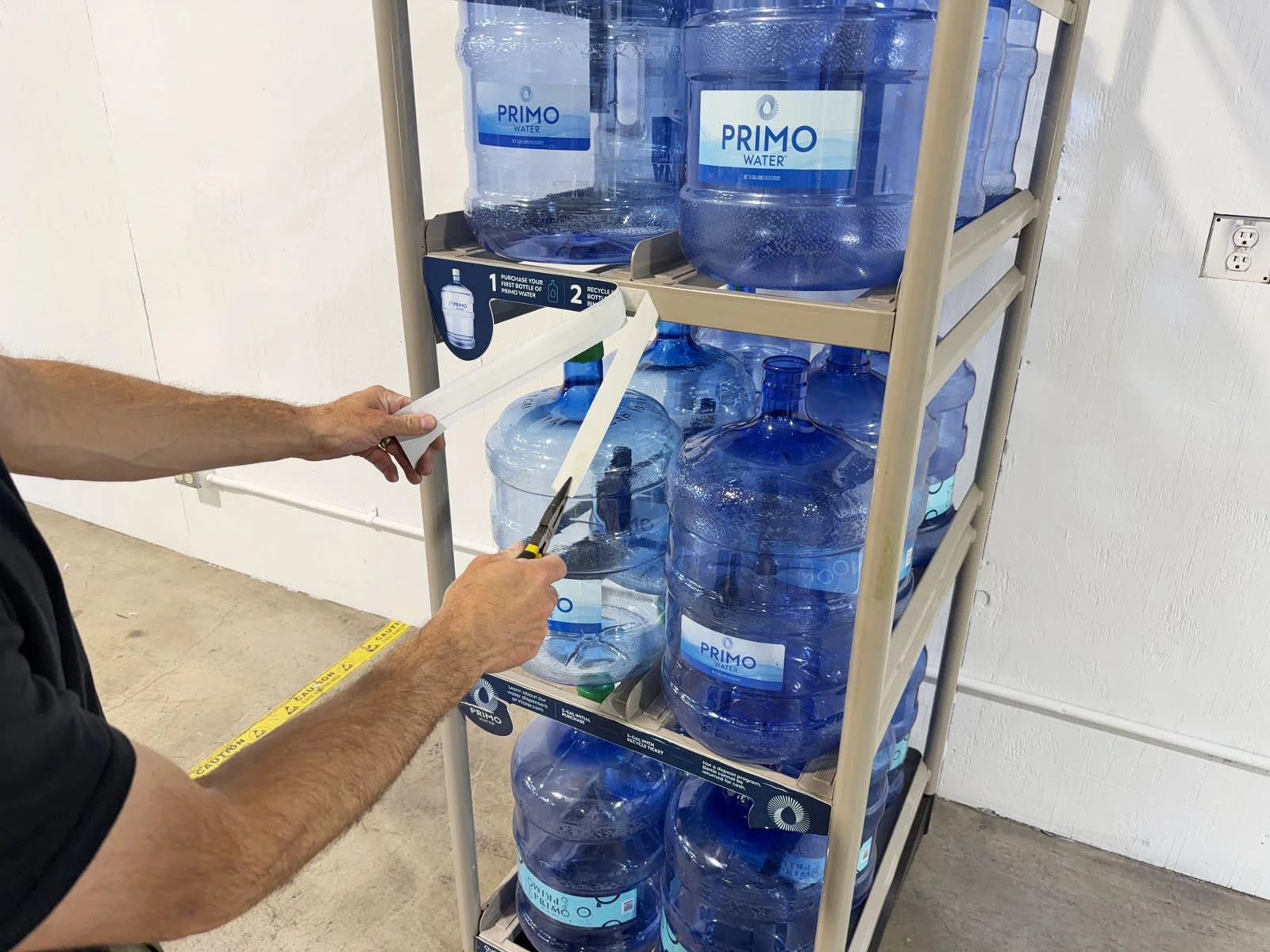
3: Remove the existing shelf strips and the velcro backing (new strips come with new backing). It’s easiest to use pliers to pull off the old backing.
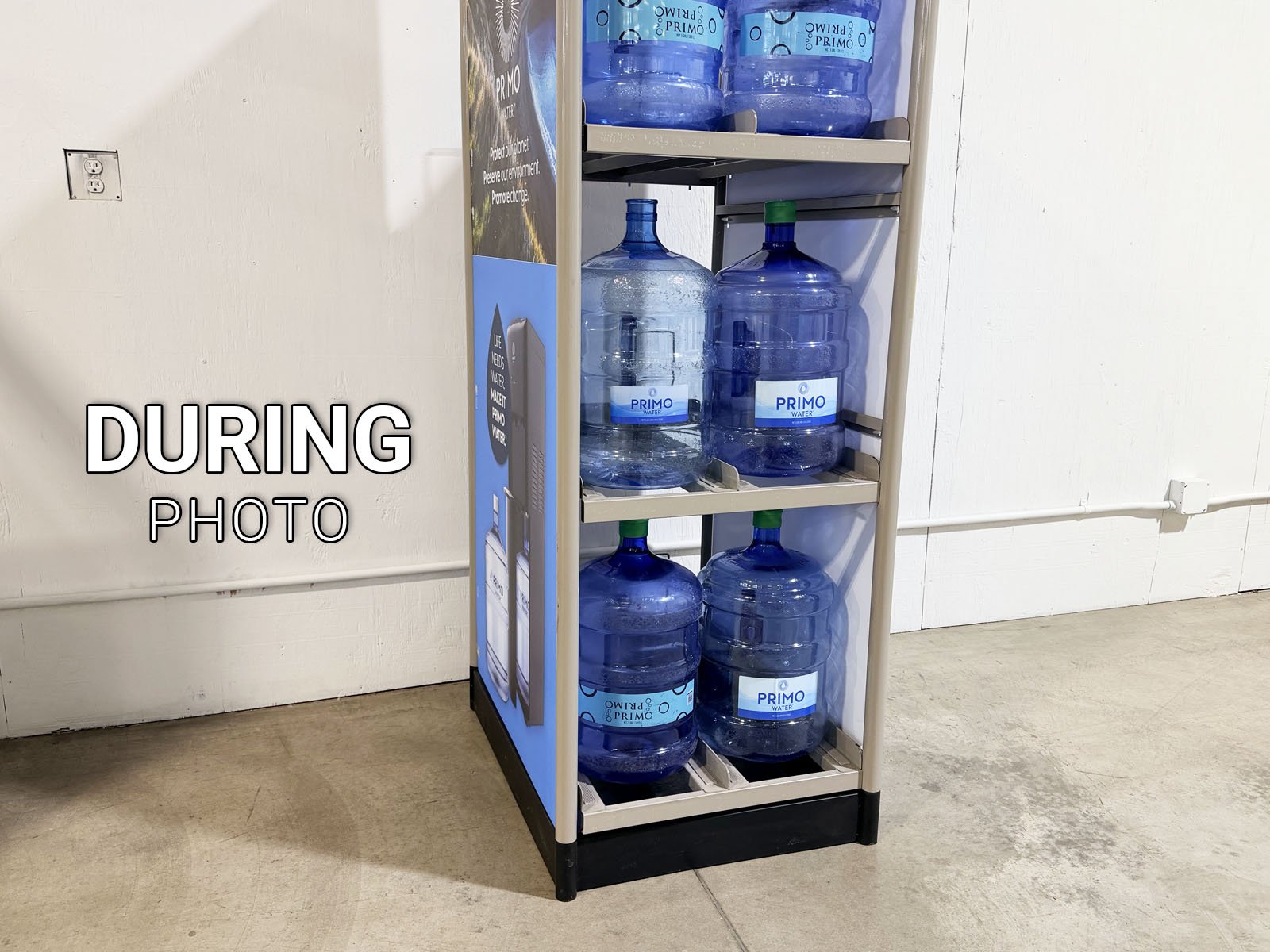
4: Take a DURING photo 📷 with the old shelf strips removed from the display (blank shelves).
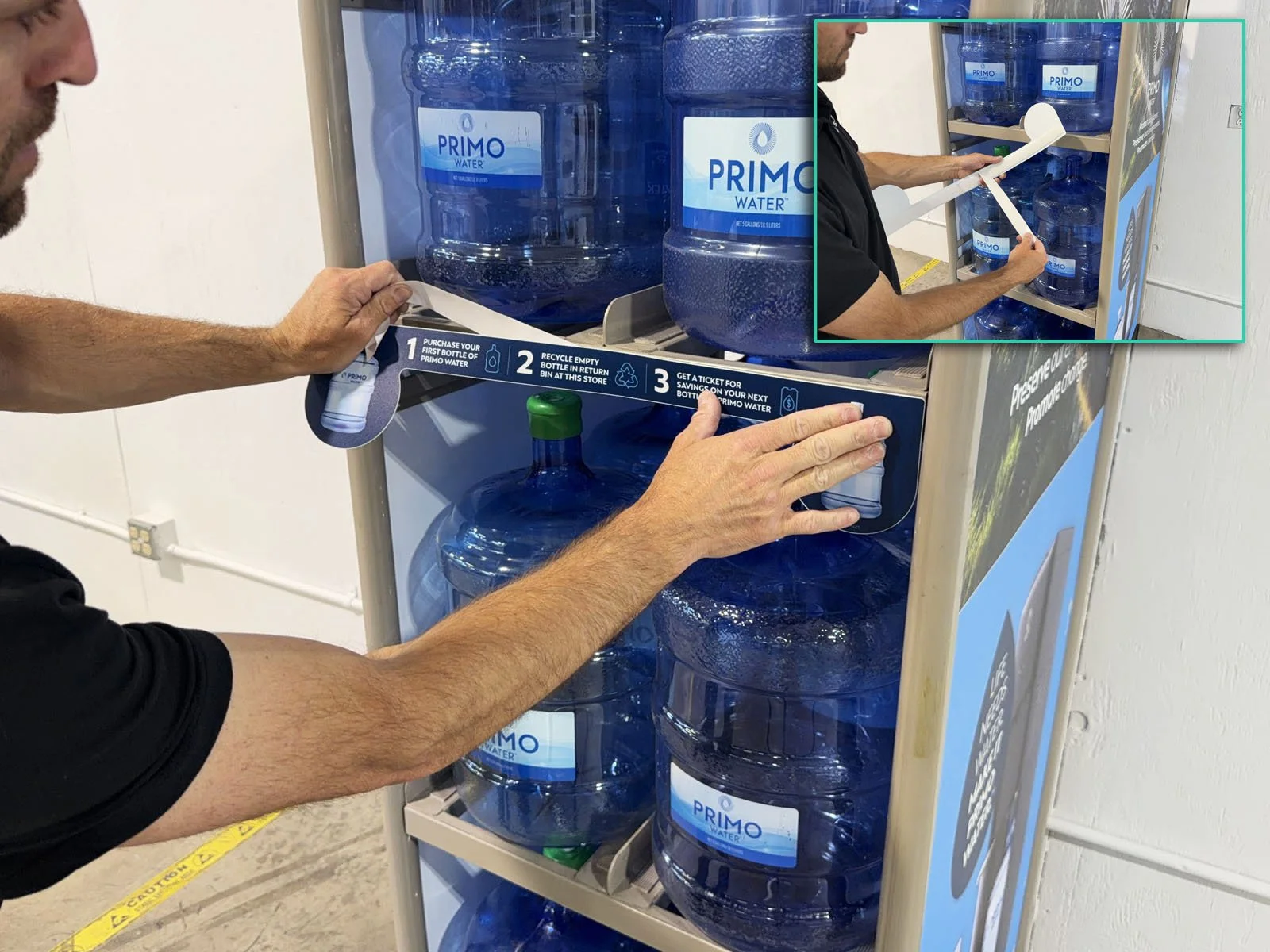
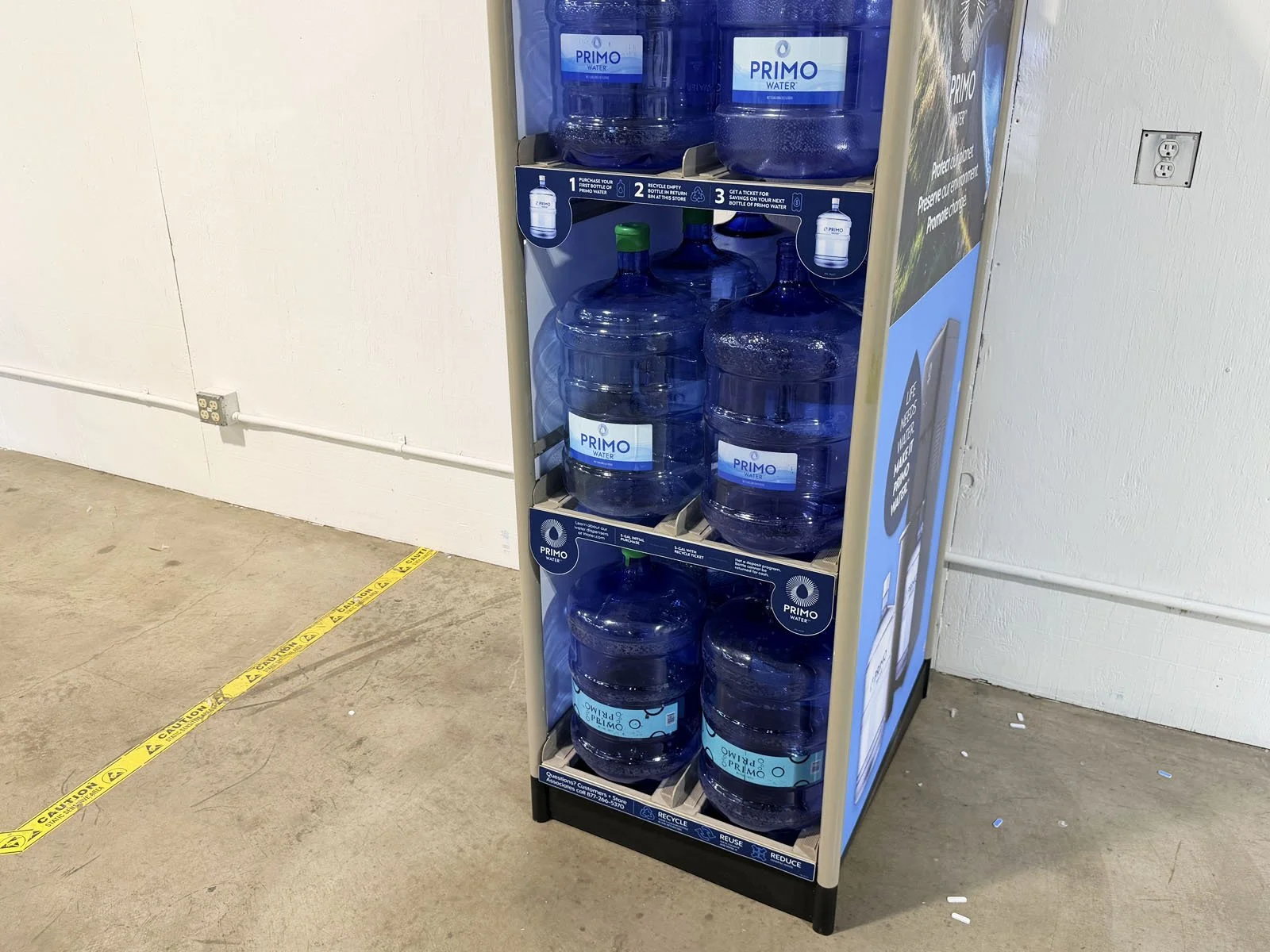
5: Attach the new shelf strips. These must be installed in the correct order. Remove the backing and apply to the front of each shelf. Top shelf has the number “1, 2 and 3” on the strip. Middle shelf has “Learn about our water dispensers…” across the strip. Bottom shelf is straight across without the larger tags at the end of the strip.
6: Clean up the area around the display if there’s any trash.
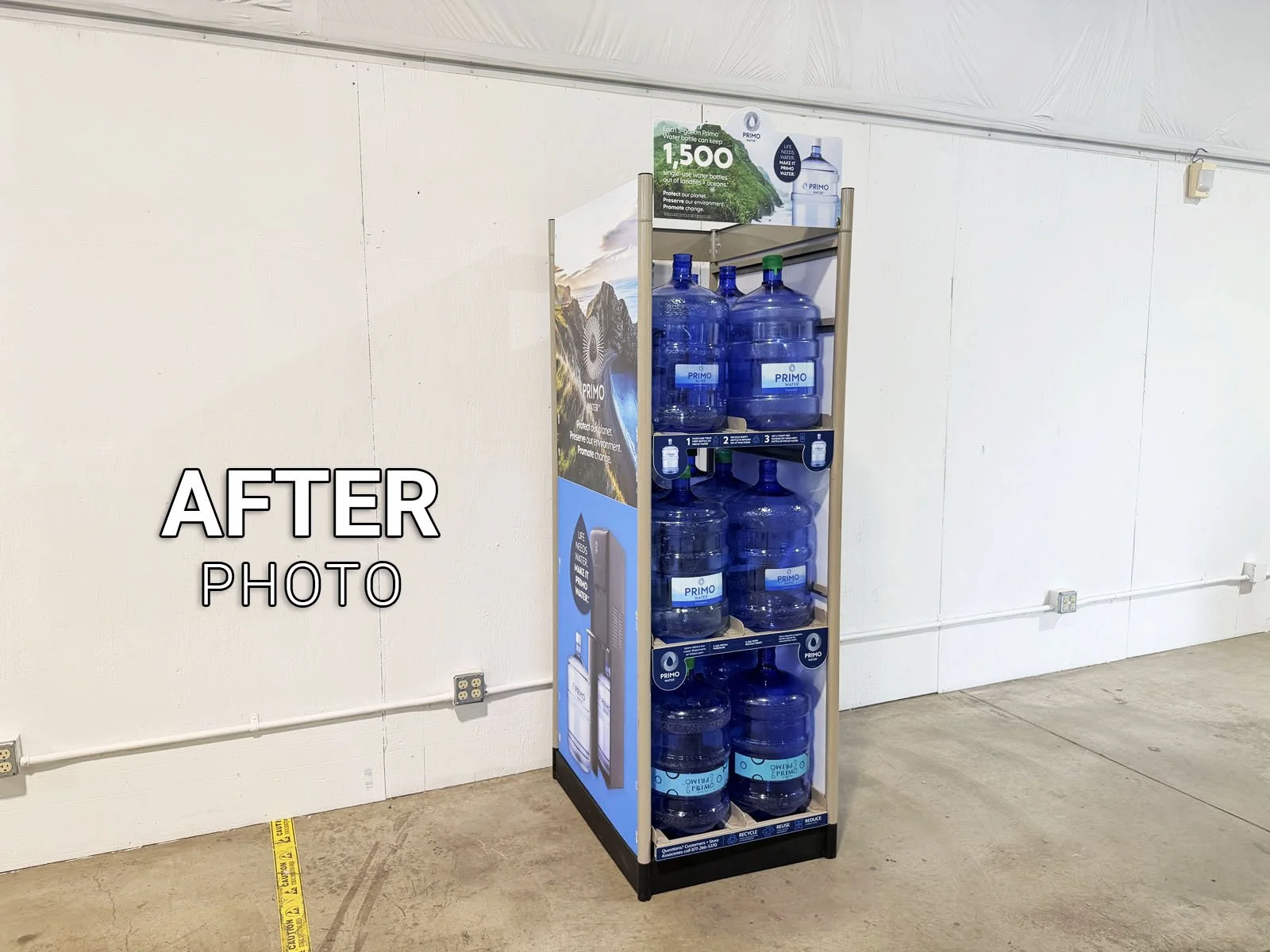
7: Take an AFTER photo 📷 while standing 15’ back to show the overall display, then finish the form in FastField.